
























What is _helm uhl_?
helm uhl is the HELM learning-management portal used by University Hospitals of Leicester (UHL) to deliver mandatory training, role-specific courses, and induction content for staff. It’s the central place to see your required modules, complete e-learning, and track compliance.
Why should you care? Because staying up to date on required training keeps you safe, legal, and roster-ready.
Quick snapshot — what you’ll actually do in helm uhl
- View your Statutory & Mandatory courses.
- Complete e-learning modules (bite-size and compulsory).
- Download completion records for appraisals and revalidation.
Curious: Can I finish every course on my phone? Yes — most HELM modules are web-based and mobile-friendly, though some sessions (practical or face-to-face) still need booking.
Login, account basics, and fast fixes
- New to Leicester? UHL tells new starters to log into HELM via the UHL HELM link and check which email they used to register.
- Forgotten password? Contact the HELM Support Desk or follow the account-creation/forgotten-password steps in UHL’s guide.
Question: What if my account shows the wrong role or course list? That usually means your HR record isn’t linked correctly — contact your JDA/line manager so they can update your eligibility in the system.
Practical tips to complete training fast (and keep records tidy)
- Prioritise statutory modules first (fire safety, infection control, safeguarding).
- Use the “my courses” dashboard daily for small wins — 15–30 minutes per day clears long lists.
- Save PDFs of completion receipts immediately after finishing a module; upload them to your personal training folder or appraisal evidence store.
Wondering: Can I repeat a module to refresh knowledge? Yes — you can retake many modules; check module rules (some lock for a set period).
While completing your helm uhl modules, it’s also worth looking at 15 simple daily habits that can boost your overall health and energy for work.
Common problems and exact fixes
- Problem: course stuck at 99%? Fix: clear browser cache, use a different browser, or retake the small quiz page to force finalise.
- Problem: face-to-face session not showing? Fix: look under the UHL training calendar and book via HELM or KnowledgeShare as instructed.
Curiosity: Why do some modules expire? Because regulations and best practice change — expiries force refreshers to protect patients and staff.

Who runs HELM and why it’s trusted
HELM is a dedicated learning management system used across NHS and private healthcare settings; it’s designed to handle compliance reporting, course delivery, and CQC-style audits. UHL uses HELM as the official platform for core training and records. That’s why completion evidence from HELM is widely accepted internally and externally.
Question: Is HELM the same as other NHS e-learning platforms? No — HELM is one of several platforms; UHL chose it for its reporting and admin features.
Real-world example (1-minute scenario)
Nurse A needs annual infection-control update before revalidation. She logs into helm uhl, finds the pending course, completes the 20-minute module on her lunch break, downloads the PDF certificate, and attaches it to her appraisal notes. Result: one compliance item done, no late flags at appraisal.
Question: How often will I need to do that? It depends on the course — many core modules renew annually or every three years; check the course expiry on HELM.
Best links and where to go next
- UHL training & HELM entry point — for schedules and entry instructions.
- Official HELM LMS (vendor) — to understand features and admin tools.
- HELM account creation / support PDF — step-by-step account help and support contacts.
If you’re reviewing your training and compliance, you might also want to explore whether health insurance options are a good fit for your personal coverage needs.
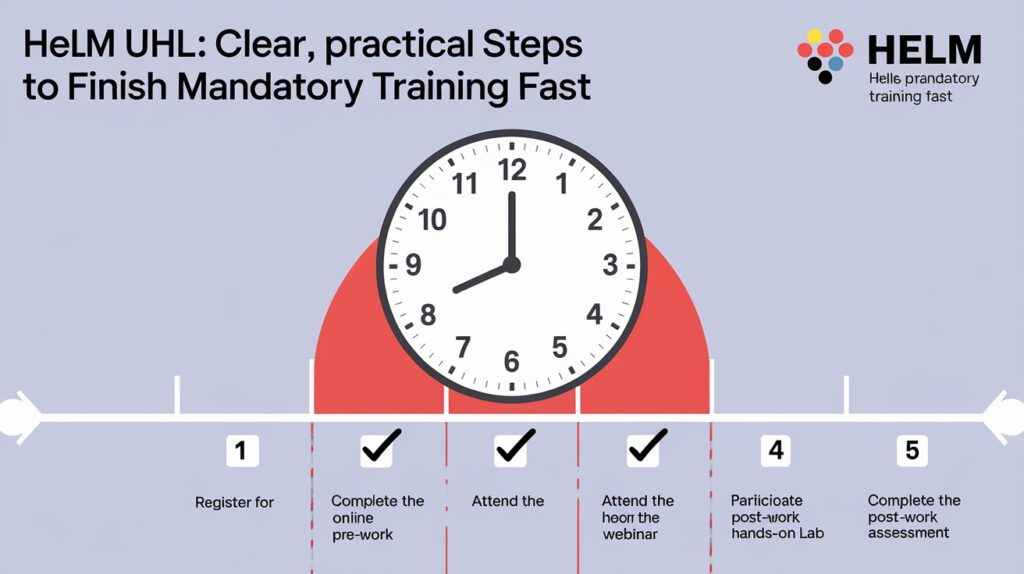
Final checklist (what to do this week)
- Log into helm uhl and confirm your course list.
- Complete any urgent statutory modules.
- Download certificates and save them to your staff folder.
- If anything’s wrong, email HELM Support or your JDA immediately.
Question: How long does all this take? A focused 60–90 minutes spread across a week clears most backlogs — start with one short module today.