























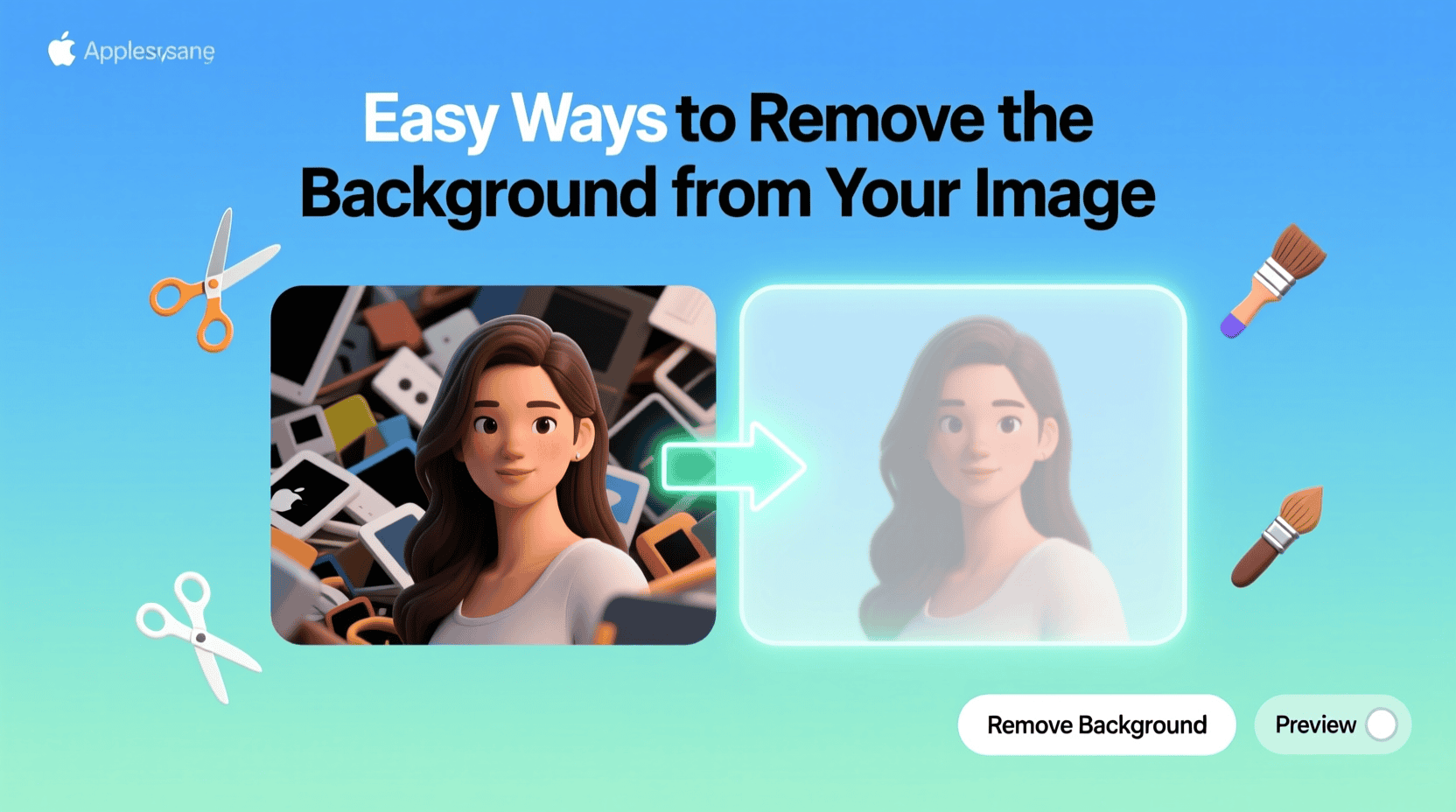
Editing photos can be tricky, but it does not have to be hard. When you want to highlight your subject, the first step is to remove the background from the image. This makes your photo look clean and professional.
Many people think you need advanced tools for this task. The truth is, there are easy methods anyone can use. With the right steps, you can edit photos quickly and get results that stand out.
Use a Background Remover Tool
The fastest way to edit photos is by using a background remover tool. These tools are made to separate the subject from the background in seconds. You only need to upload your photo and let the tool process it.
Many of these tools use AI technology to make the cut precise. This saves time compared to manual editing. It is a great option for beginners who want quick results.
You can find both free and paid tools online. Most of them are simple and do not require advanced editing knowledge. This makes them accessible to anyone who wants clean and professional-looking images.
Erase Image Background with Manual Editing
Sometimes you want more control over your photos. In this case, you can erase the image background by hand. Many editing apps allow you to use a brush or eraser tool to do this.
Manual editing can take longer, but it is useful for detailed work. If your image has fine edges like hair or fabric, manual tools let you refine them. This ensures a smoother and more natural result.
It may take patience to learn, but the effort is worth it. You can get a background that looks perfectly matched to your subject. Many free and paid apps support this feature.
Try a Free Background Remover
If you are not ready to pay for editing tools, you can try a free background remover. Many websites offer this option for quick edits. You simply upload your image, and the tool processes it instantly.
The quality may not always be perfect, but it is usually good enough for simple projects. Free tools are useful for students, small businesses, or anyone testing design ideas. They are easy to use and save time.
Most free tools do not require downloads or sign-ups. This makes them very convenient for quick work. They are a good choice if you only need basic background removal.
Use an Online Photo Editor
An online photo editor gives you more flexibility. You can not only remove backgrounds but also adjust colors, add filters, and resize your images. This makes it a complete editing solution in one place.
Online editors are easy to access since they work in your browser. You do not need to install heavy software. This saves storage space and makes editing fast.
They often come with user-friendly designs for beginners. With a few clicks, you can remove a background and enhance your photo. These editors are great for both casual and professional use.
Explore Background Removal Software
For users who need advanced options, background removal software is a strong choice. This software often has more detailed editing tools compared to online platforms. It lets you refine edges and adjust details with precision.
Software like Photoshop or GIMP is popular for this task. They give you full control over layers, colors, and effects. This makes them great for professional designers.
The learning curve may be higher, but the results are worth it. With practice, you can create flawless edits. It is a good investment for long-term use.
Use Mobile Apps for Quick Edits
You do not always need a computer for photo editing. Many mobile apps let you remove backgrounds right on your phone. This is perfect for people who work on the go.
These apps are often designed for quick use. You can snap a photo, edit it, and share it in minutes. It is convenient for social media or business owners who need fast updates.
Mobile apps are also user-friendly. They guide you through simple steps with easy buttons. This makes editing simple, even for beginners.
Try Built-In Features on Editing Platforms
Some editing platforms already include background removal as a built-in feature. You do not always need extra software. This makes editing more convenient.
For example, some design apps include quick-remove buttons. You can select your image, click the option, and see instant results. It saves you from switching between tools.
This site could be helpful if you’re looking for a reliable solution. It offers a built-in option for fast editing. Tools like these make background removal simple for anyone.
Outsource Background Removal for Businesses
If you run a business, outsourcing background removal can save time. Professionals can handle bulk images quickly. This is useful for e-commerce, marketing, and design agencies.
Outsourcing ensures a consistent look across all photos. This is important for branding and customer trust. Clean images make products and services look professional.
It may cost more than doing it yourself, but it saves effort. You can focus on your business while experts handle the editing. This is a smart option for busy teams.
Saving and Exporting Your Images
Once you finish editing, saving your image properly is crucial. Different formats serve different purposes. JPEG format is suitable for web usage, but lacks transparency.
Make sure to save your work in multiple formats. This allows for flexibility in future use. A PNG version ensures you always have a transparent background image.
Export the image at the correct resolution. Ensure it’s high enough for printing or web use. This attention to detail will improve the final results.
Common Mistakes to Avoid
It’s easy to make mistakes when removing backgrounds. One common error is selecting too much or too little. This leads to unnatural-looking edges.
Another mistake is not saving the image correctly. Avoid formats that don’t support transparency. This can ruin the work you put into editing.
Lastly, rushing the process often leads to poor results. Take your time to ensure everything looks good. Careful editing creates stunning images that impress.
Key Takeaways on How to Remove the Background from the Image
Removing the background from an image can seem challenging. Equipped with the right tools and methods, it becomes effortless. Whether using online, software, or mobile options, results can be stunning.
Practice using these techniques to refine your skills. Learning how to edit photo backgrounds can give you an edge. Start removing backgrounds today and enhance your images.
Did you find this article helpful? Visit more of our blogs.